import matplotlib.pyplot as plt
Matplotlib is our plotting/graphing library. We're going to import it as plt for short. In this lesson, we will discuss how to create a scatter plot using Matplotlib. A scatter plot plots the exact points from a list, but doesn't fit any curve/line/shape to it. Interpreting this kind of detailed visual will help us in Regression later, so let's get into it.
Let's say we have two equally-sized lists, attributeOne and attributeTwo. If we want to scatter plot one against the other, all we have to do is the following statement:
plt.scatter(attricbuteOne, attributeTwo)
If you have a specification about what color you want the plot to be in, you can include another parameter to this function, specifying the color:
plt.scatter(attributeOne, attributeTwo, color = 'Black')
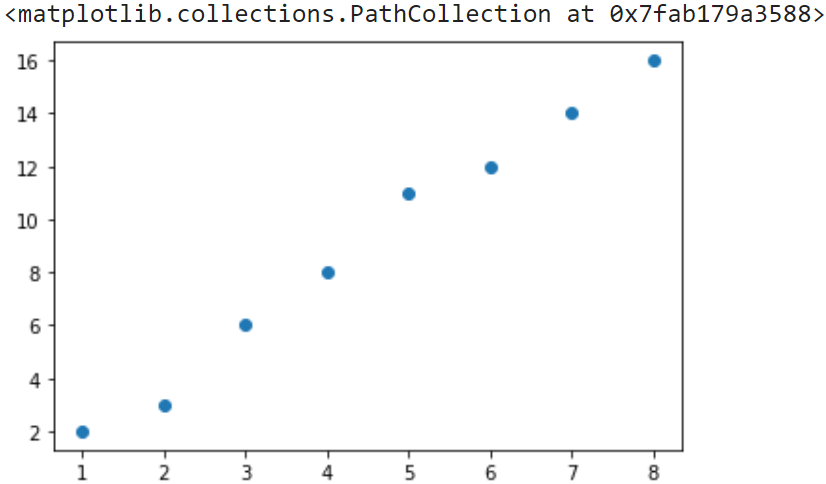
The default color is blue, for some lists attributeOne and attributeTwo, here's what my scatter plot looks like:
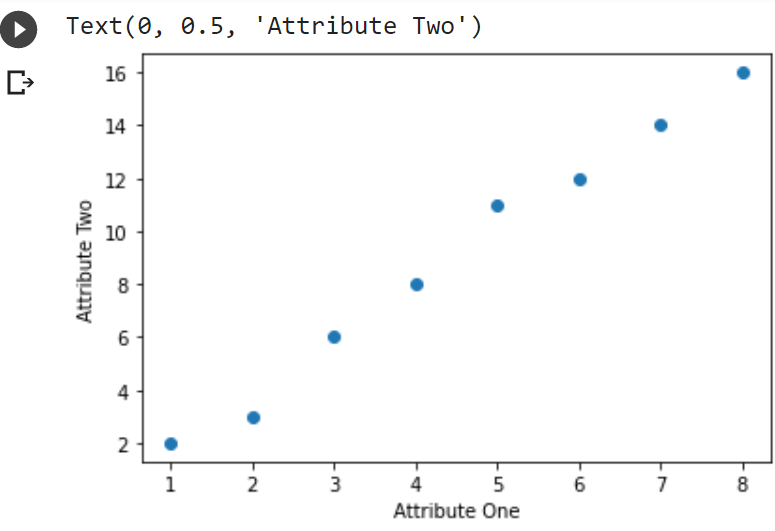
However, if you have ever done plots for science class, teachers always focus a lot on the labels for the axes. So let's add those in:
plt.scatter(attributeOne, attributeTwo)
plt.xlabel('Attribute One');
plt.ylabel('Attribute Two');
That produces this:
And that's all! Congratulations, you know how to make a scatter plot now!