With an external style sheet, you can change the look of an entire website by changing just one file!
Each HTML page must include a reference to the external style sheet file inside the <link> element, inside the head section.
An external style sheet can be written in any text editor, and must be saved with a .css extension. The external .css file should not contain any HTML tags.
<!DOCTYPE html>
	<html>
		<head>
			<title>External CSS</title>
			<meta charset="utf-8">
		</head>
		<body>
			<body>
				<p>Here's some text that should be blue</p>
			<body>
	</html>
/* makes all the paragraph text blue */
p {
		color: blue;
}
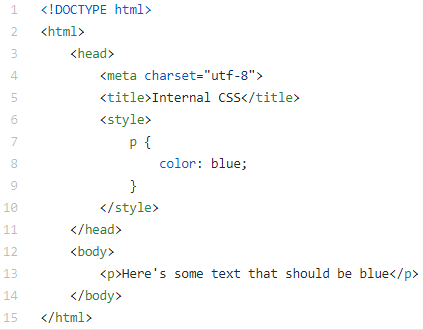
An internal style sheet may be used if one single HTML page has a unique style. The internal style is defined inside the <style> element, inside the head section.
<!DOCTYPE html>
<html>
	<head>
			<meta charset="utf-8">
			<title>Internal CSS</title>
			<style>
			p
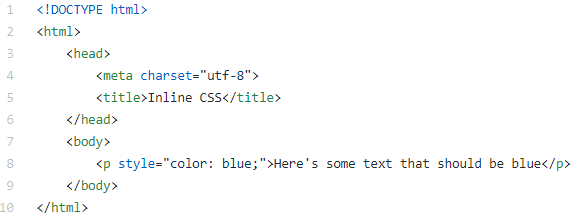
An inline style may be used to apply a unique style for a single element. To use inline styles, add the style attribute to the relevant element. The style attribute can contain any CSS property.