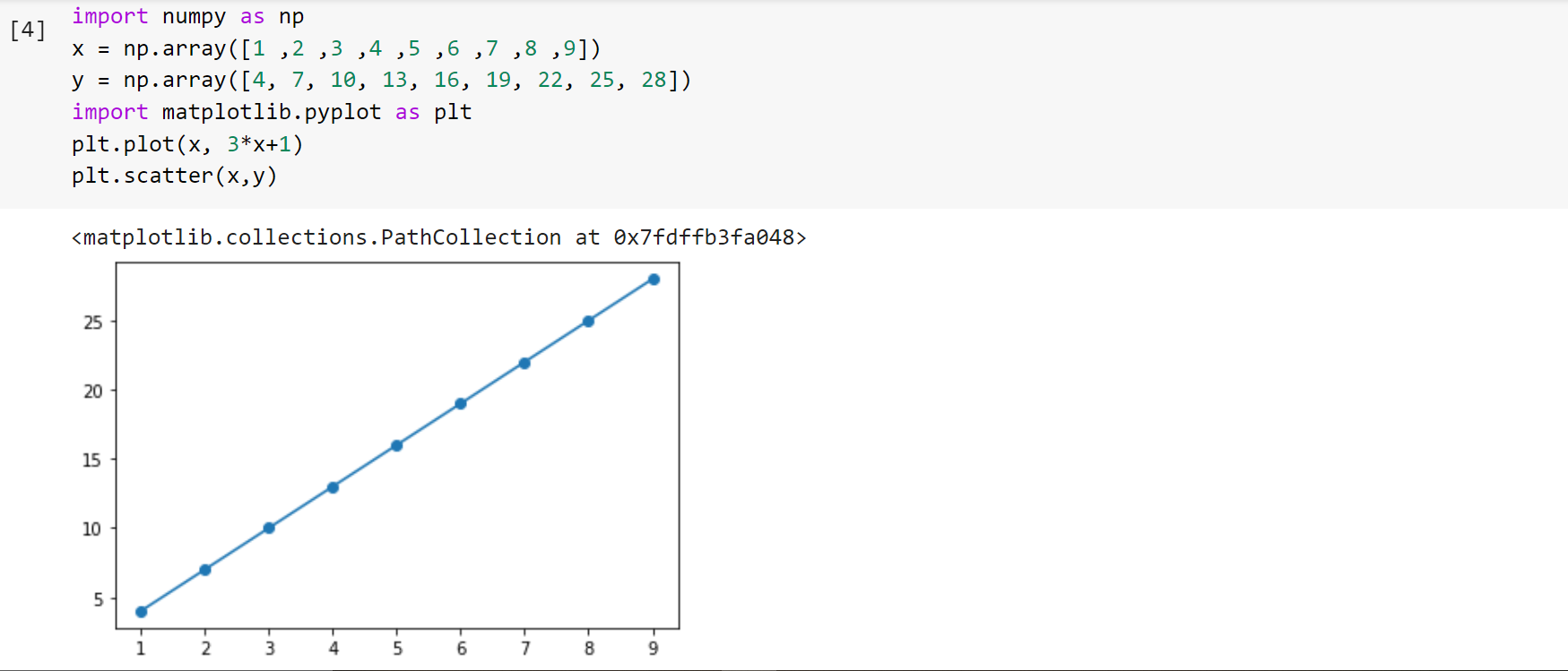
Now that we have learned to make scatter plots using MatPlotLib, let's learn to plot a curve. I'm assuming you've already imported Matplotlib.pyplot. To plot a curve, you need to use the function,
plt.plot(x, f(x))
For example:
import numpy as np
x = np.array([1 ,2 ,3 ,4 ,5 ,6 ,7 ,8 ,9])
y = np.array([4, 7, 10, 13, 16, 22, 25, 28])
import matplotlib.pyplot as plt
plt.plot(x, 3*x+1)
ply.scatter(x,y)
Practice plotting some of these curves, and see whether they look like they do when you manually plot them:
9x + 1
8x + (7/x) + 1
sin (x)
For the last one, the in-built function can perform the sine operation on a NumPy array.
np.sin()
Also don't worry about the scatter command in the example code, that was just to show you how the curve passes through the corresponding points.